

A native, mobile-friendly frontend for your Dashy dashboard instance. Built with Flutter.
This app provides a true native experience by fetching your conf.yml file from your server and dynamically building a clean, fast, and intuitive user interface based on its contents.
No more tiny icons in your browser that you can hardly click or accidentally click when scrolling. :-)
It's the perfect way to access your homeserver services from your phone.
IMPORTANT: If anyone here enjoys the app, I want to put it into the playstore because Google wants to stop sideloading on android. But to do so I need TWELVE testusers for a "closed testing". If anyone here would be so kind to give me his/her mail adress, i would send an invite link. That would be great, thanks a lot.
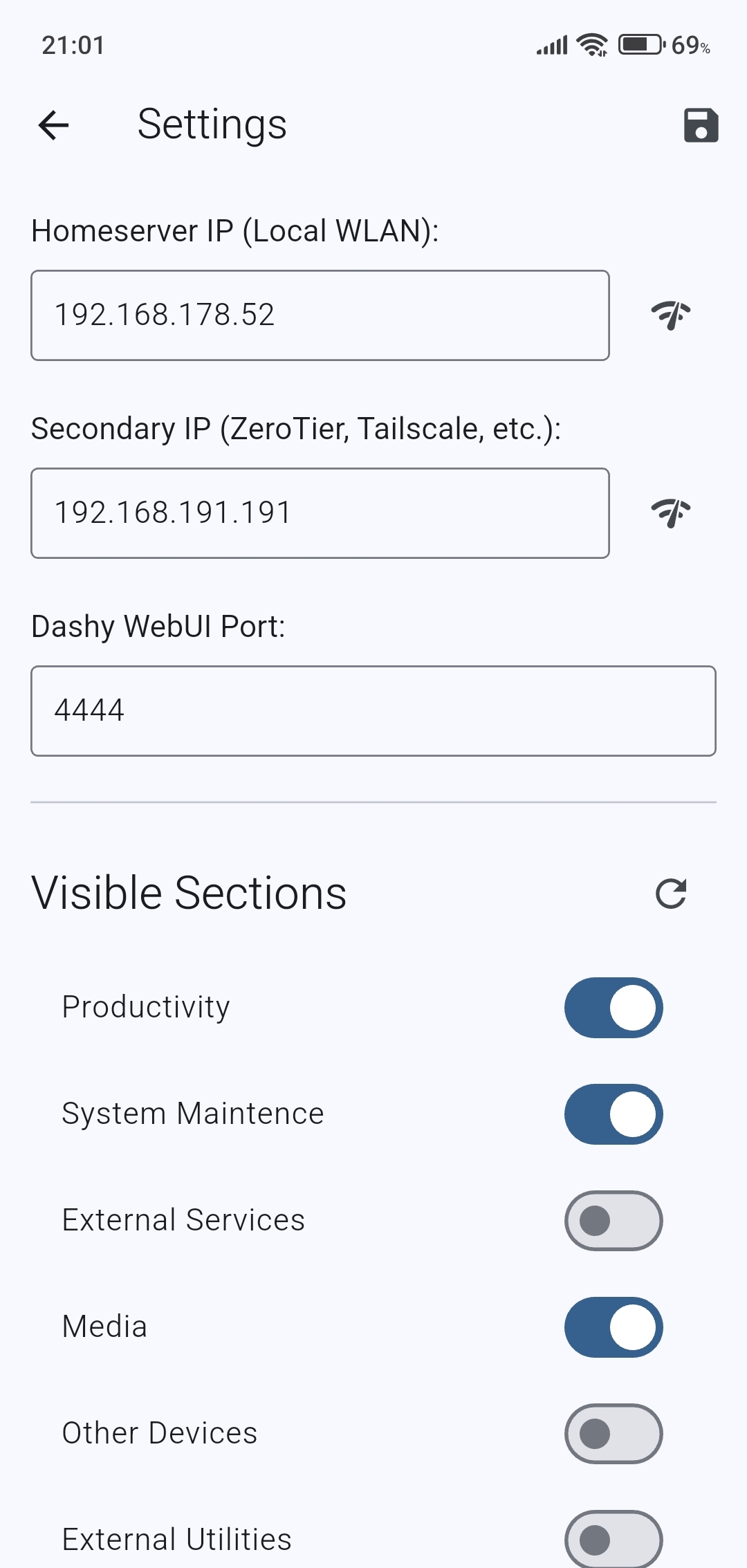
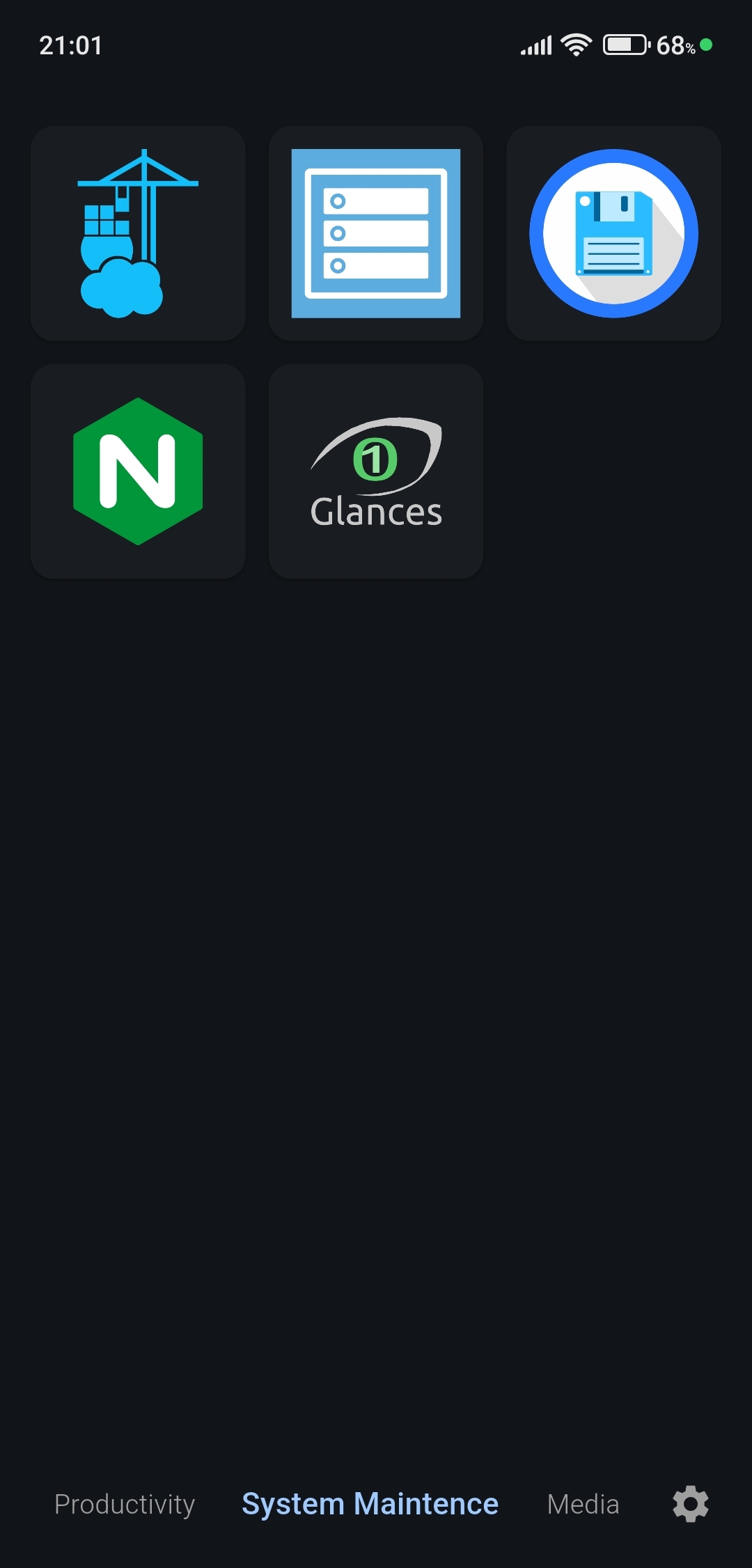
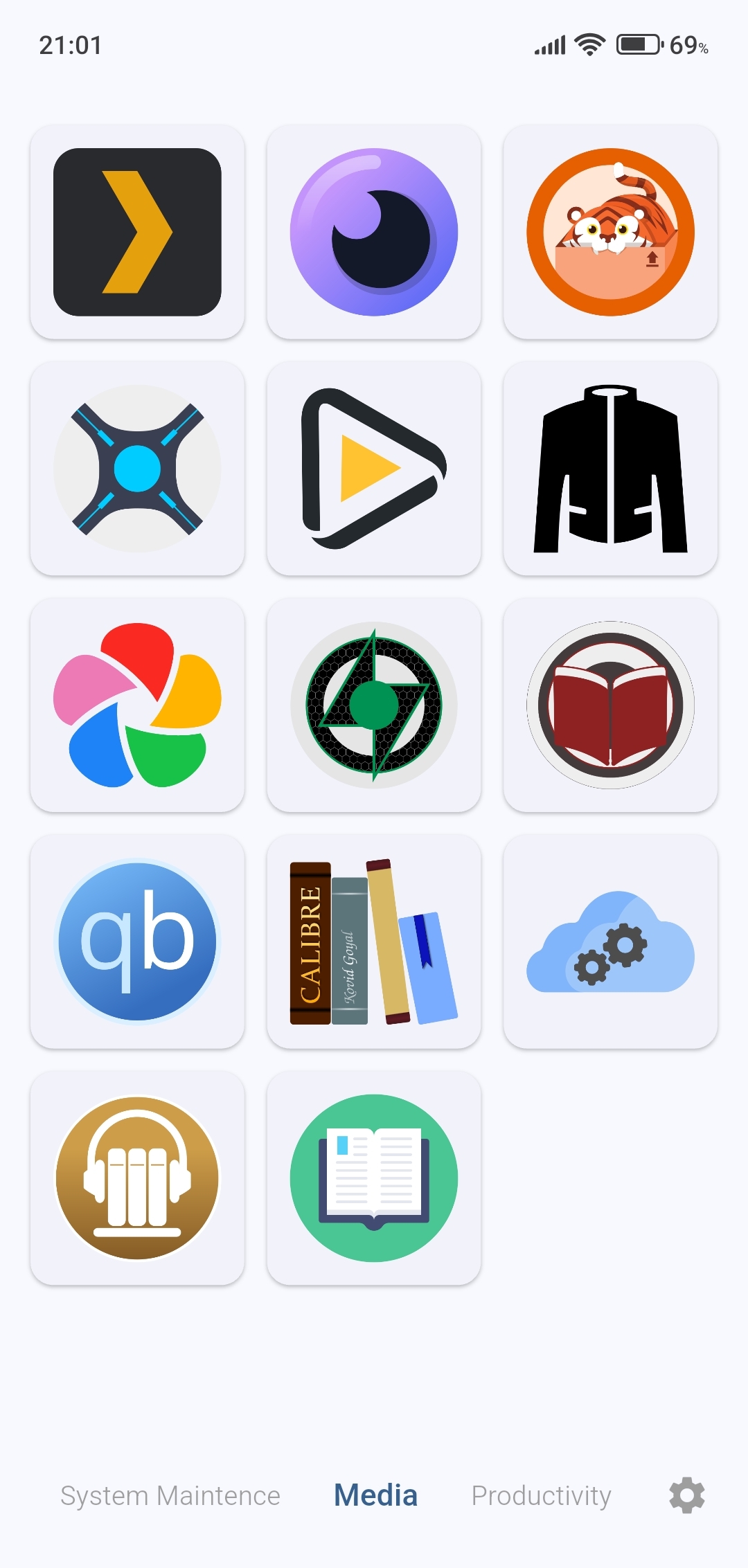
- Native Performance: No web views! The entire UI is built with Flutter widgets for a smooth and responsive experience.
- Dynamic UI: Fetches and parses your remote
conf.ymlto build the dashboard on the fly. - Smart URL Switching: Automatically attempts to connect to a local (WLAN) IP first, with a fallback to a secondary IP (like ZeroTier or Tailscale). Service URLs are rewritten on-the-fly to match the active connection.
- Customizable Sections: Choose which sections from your config file are visible in the app via the settings menu.
- Modern UI: Features a circular (infinitely looping) swipe-able interface for sections and a dynamic navigation bar.
- Light & Dark Modes: Adapts to your preference, which can be toggled in settings.
- Reverse Proxy Support: You can access dashy also if it is behind a reverse proxy instead of using your servers local or vlan IP
- Download the latest
.apkfrom the Releases page. - Install the APK on your Android device.
- On first launch, you will be taken to the Settings screen.
- Enter the IP address and Port for your Dashy instance. You can provide both a local WLAN IP and a secondary IP (e.g., for ZeroTier).
- Save the settings. The app will then fetch your configuration, you go back to settings and toggle which sections to display!
If you want to build the app yourself:
- Ensure you have the Flutter SDK installed.
- Clone the repository:
git clone https://github.com/ilkerol/dashymobile.git - Navigate into the project directory:
cd dashymobile - Install dependencies:
flutter pub get - Run the app:
flutter run
This application is officially developed and maintained for Android. The codebase is written in Flutter and is largely platform-independent. An iOS version is technically possible, but would require a contributor with a macOS machine and an Apple Developer account to build, test, and maintain it. Community contributions for an iOS version are welcome!
This release focuses on adding support for more of Dashy's core features, allowing more users to see their complete dashboard layout natively.
- SVG Icon Support: Service icons that use the
.svgformat are now correctly rendered in the app. - Optional Icon Captions: A new toggle in the Settings screen allows you to show or hide the titles (
captions) below each service icon. - Item Group Support: Dashy "Item Groups" (items with a
subItemskey) are now fully supported. Tapping a group icon will open a clean dialog showing the sub-items, which can then be launched individually.
- Fixed a critical crash that would occur when tapping on an Item Group that had an empty
urlfield. - Fixed padding to stop android navigation bar interference with buttons in the settings sections
- Fixed some minor rendering bugs
- Added a new Reverse Proxy URL field in Settings
- Users behind nginx, Caddy, or other reverse proxies can now use a full URL (e.g. `https://dashy.example.com\`) instead of IP + port
- Includes a test connection button for the reverse proxy URL
- Added optional Username and Password fields in Settings
- Supports Dashy instances protected with HTTP Auth or built-in authentication
- Credentials are stored securely on-device using encrypted storage
- Auth headers are sent automatically when connecting to your Dashy instance
- All existing IP + port functionality remains unchanged
- No breaking changes — existing users can update without reconfiguring"
This project was created with the goal of providing a companion app for the amazing self-hosted dashboard, Dashy. A big thank you to Lissy93 for creating and maintaining it.