





Keycloak spi that
- limits resend email verification (#192341, #24558)
- limits forgot password emails (#24914, #26182, #16574)
- limits email sending after each successful login with an unverified email
1. Download a jar from Releases
KEYCLOAK_LIMIT_RESEND_EMAIL_MAX_RETRIES=3
KEYCLOAK_LIMIT_RESEND_EMAIL_RETRY_BLOCK_DURATION_IN_SEC=3600
| Environment Variable | Description | Default Value |
|---|---|---|
KEYCLOAK_LIMIT_RESEND_EMAIL_MAX_RETRIES |
Maximum number of attempts to send verification or reset password emails without delay. After reaching this limit, email sending will be temporarily blocked until the user verifies their email or resets the password. | 3 |
KEYCLOAK_LIMIT_RESEND_EMAIL_RETRY_BLOCK_DURATION_IN_SEC |
Duration (in seconds) of the block after exceeding the retry limit. After this period, the user may send one more email before being blocked again, unless they verify or reset their password. | 3600 |
- eventsListener contains limit-resend-email-event
- authenticator contains limit-resend-email-authenticator
- required-action contains VERIFY_EMAIL
6.2 Go to "Realm Settings" of your realm → Events → Event Listeners and add limit-resend-email-event and click Save.
or configure 6.2 section using terraform
tested using keycloak Provider 5.2.0
resource "keycloak_realm_events" "realm_events" {
  realm_id = keycloak_realm.realm.id
  ...
  events_listeners = [
    "jboss-logging",
    "limit-resend-email-event" # <---
  ]
}
6.3.1 Go to "Authentication" → "Flows" tab and Duplicate the "reset credentials" flow and insert "LimitResendEmail Authenticator" (mark as Required).
6.3.2 Reorder and Place the "LimitResendEmail Authenticator" above "Send Reset Email" so that it runs before "Send Reset Email".
6.3.4 In your duplicated flow click Action → "Bind flow" to set it as the active "Reset credentials flow" .
or configure 6.3 section using terraform
tested using keycloak Provider 5.2.0
resource "keycloak_authentication_flow" "custom_reset_credentials_flow" {
  realm_id    = keycloak_realm.realm.id
  alias       = "custom-reset-credentials"
  description = "Custom copy of default reset_credentials flow"
  provider_id = "basic-flow"
  depends_on  = [keycloak_realm.realm]
}

# Step 1: Choose User (username-lookup)
resource "keycloak_authentication_execution" "reset-credentials-choose-user" {
  realm_id          = keycloak_realm.realm.id
  parent_flow_alias = keycloak_authentication_flow.custom_reset_credentials_flow.alias
  authenticator     = "reset-credentials-choose-user"
  requirement       = "REQUIRED"
  priority          = 10
  depends_on        = [keycloak_authentication_flow.custom_reset_credentials_flow]
}

resource "keycloak_authentication_execution" "limit-resend-email-authenticator" {
  realm_id          = keycloak_realm.realm.id
  parent_flow_alias = keycloak_authentication_flow.custom_reset_credentials_flow.alias
  authenticator     = "limit-resend-email-authenticator"
  requirement       = "REQUIRED"
  priority          = 18
  depends_on        = [keycloak_authentication_execution.reset-credentials-choose-user]
}

# Step 2: Send Reset Email (reset-credential)
resource "keycloak_authentication_execution" "reset-credential-email" {
  realm_id          = keycloak_realm.realm.id
  parent_flow_alias = keycloak_authentication_flow.custom_reset_credentials_flow.alias
  authenticator     = "reset-credential-email"
  requirement       = "REQUIRED"
  priority          = 20
  depends_on        = [
    keycloak_authentication_execution.limit-resend-email-authenticator
  ]
}

# Step 3: Reset Password
resource "keycloak_authentication_execution" "reset-password" {
  realm_id          = keycloak_realm.realm.id
  parent_flow_alias = keycloak_authentication_flow.custom_reset_credentials_flow.alias
  authenticator     = "reset-password"
  requirement       = "REQUIRED"
  priority          = 30
  depends_on        = [keycloak_authentication_execution.reset-credential-email]
}

resource "keycloak_authentication_subflow" "reset_otp_subflow" {
  realm_id          = keycloak_realm.realm.id
  alias             = "reset-conditional-otp-subflow"
  parent_flow_alias = keycloak_authentication_flow.custom_reset_credentials_flow.alias
  provider_id       = "basic-flow"
  requirement       = "CONDITIONAL"
  priority          = 40
}

# Step 4.1: Condition – User Configured
resource "keycloak_authentication_execution" "condition_user_configured" {
  realm_id          = keycloak_realm.realm.id
  parent_flow_alias = keycloak_authentication_subflow.reset_otp_subflow.alias
  authenticator     = "conditional-user-configured"
  requirement       = "REQUIRED"
  depends_on        = [keycloak_authentication_subflow.reset_otp_subflow]
}

# Step 4.2: Reset OTP
resource "keycloak_authentication_execution" "reset-otp" {
  realm_id          = keycloak_realm.realm.id
  parent_flow_alias = keycloak_authentication_subflow.reset_otp_subflow.alias
  authenticator     = "reset-otp"
  requirement       = "REQUIRED"
  depends_on        = [keycloak_authentication_execution.condition_user_configured]
}

# Bind your custom flow
resource "keycloak_authentication_bindings" "reset_credentials_flow_binding" {
  realm_id               = keycloak_realm.realm.id
  reset_credentials_flow = keycloak_authentication_flow.custom_reset_credentials_flow.alias

  depends_on = [keycloak_authentication_execution.reset-otp]
}
6.4 Go to "Authentication" → "Required Actions" tab → Make sure Verify Email is enabled and the Default Action is set to On.
or configure 6.4 section using terraform
tested using keycloak Provider 5.2.0
resource "keycloak_required_action" "verify_email" {
  realm_id       = keycloak_realm.realm.id
  alias          = "VERIFY_EMAIL"
  name           = "Verify Email"
  enabled        = true
  default_action = true
  priority       = 50
}- Realm settings
- General
- Unmanaged Attributes
- set
Only administrators can view
- set
- Unmanaged Attributes
- General
or configure 7 section using terraform
tested using keycloak Provider 5.2.0
resource "keycloak_realm_user_profile" "userprofile" {
  realm_id                   = keycloak_realm.realm.id
  unmanaged_attribute_policy = "ADMIN_VIEW"
  ...
}- (Problem we solve): The user can abuse the system by repeatedly triggering "Forgot password", spamming password reset emails.
- After user registration, the Email Verification page is shown with a "Resend" link.
The user clicks "Resend" more than 3 times but does not open or confirm any of the emails. - User then opens the Login page and clicks "Forgot password" again and again which leads to a spam
- (Solution): If more than 3 verification or forgot password emails were sent within the last hour and none were confirmed, an error is shown to temporarily block further emails.
(Problem we solve): A user can repeatedly log in to trigger email-verification emails without confirming any, leading to spam.
- After registration, the user is shown the Email Verification page with a "Resend" link.
The user clicks "Resend" more than 3 times but does not confirm any of the emails. - User then opens the Login page and enters the correct username and password.
- Keycloak redirects to the Verification page and sends a new email verification email.
- (Solution): If the limit is reached, the Verification page shows an error and no email is sent during 1 hour.
Click to Watch demo video ^
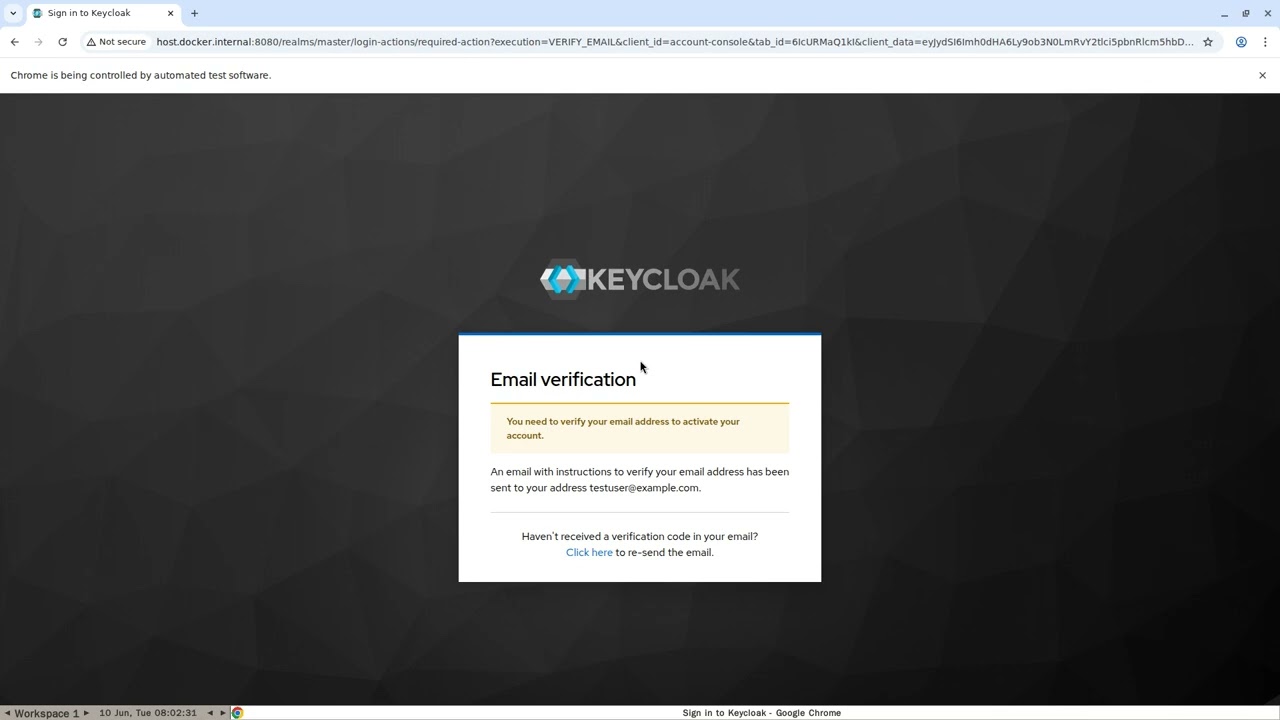
Starting from 26.4.0 Keycloak has a built-in feature A configurable cooldown for email resend in VerifyEmail
When validating an email address as a required action or an application initiated action, a user can resend the verification email by default only every 30 seconds, while in earlier versions there was no limitation in re-sending the email.
Administrators can configure the interval per realm in the Verify Email required action in the Authentication section of the realmm.
- (Problem we solve): The user can trigger excessive email-verification messages by repeatedly clicking "Resend" after each cooldown seconds.
- After registration, the user is shown the Email Verification page with a "Resend" link.
The user clicks "Resend" more than 3 times without confirming any emails. - (Solution): If the resend limit is reached, the page shows an error and no email is sent during 1 hour.
Click to Watch demo video ^
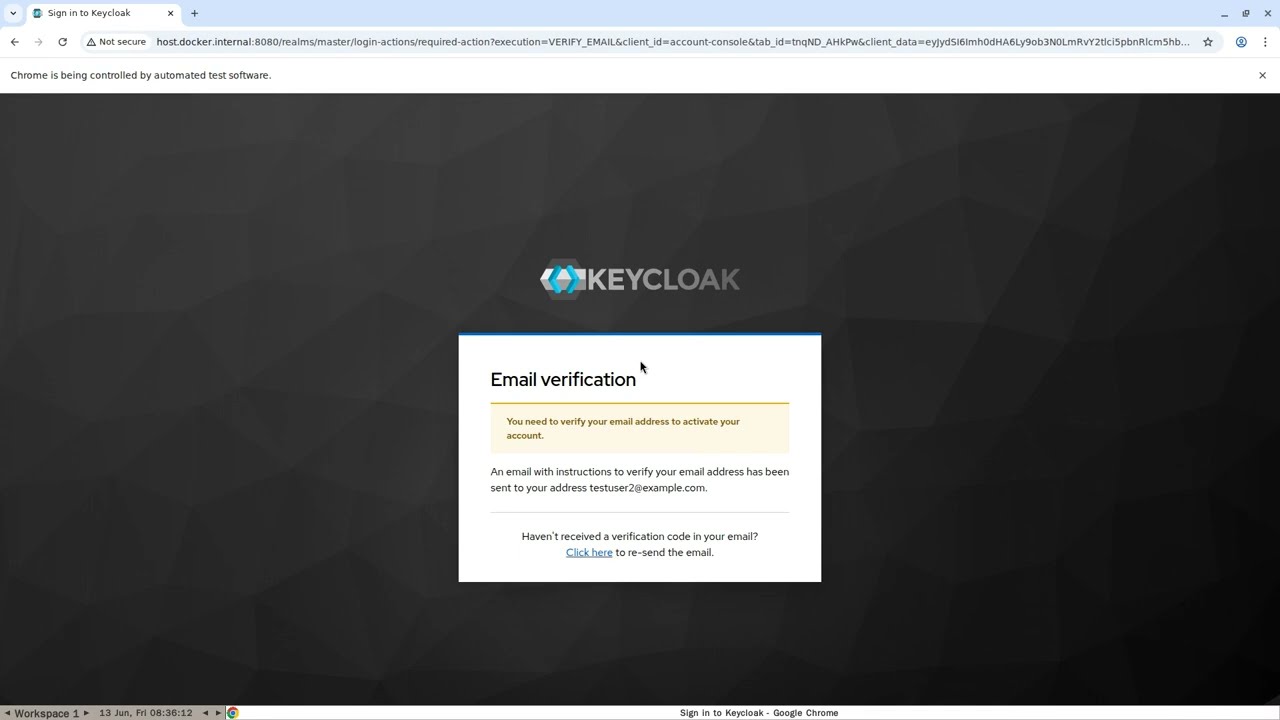
If all email verification links have expired (increase recommended to 30 minutes instead of default 5) and the user forgot password then user selects "Forgot Password," and request a reset password email after 1 hour. Resetting the password does not automatically verify the email. After logging in with the new password, the user will still see the email verification page, and a new verification email will be sent.
This repository contains custom Keycloak Service Provider Interfaces (SPI) for:
- Custom Authenticator for blocking sending emails after many Forgot Password clicks
- Custom EventListener for counting how many times user clicked Forgot Password or Resend verification email
- Custom VerifyEmail that overrides "existing VerifyEmail Required Action" for blocking sending emails after many resend clicks or many logins with unverified email
These extensions are designed to enhance the login flow and event tracking features of Keycloak.
Destroy local keycloak
docker compose rm -f -s -v keycloakSpin up local keycloak
docker compose upBuild the JAR
mvn clean packageEnsure JAR includes necessary META-INF services
jar tf target/idnord.keycloak-*.jar | grep META-INF/services/Expected services:
(IMPORTANT: if you see more than this list of services in jar it means that a dependency in pom.xml needs scope <scope>provided</scope>)
META-INF/services/
META-INF/services/org.keycloak.authentication.AuthenticatorFactory
META-INF/services/org.keycloak.authentication.RequiredActionFactory
META-INF/services/org.keycloak.events.EventListenerProviderFactory
Upload spi into local keycloak, build and restart
./install.shTo see attributes of a user in keycloak
- Realm settings
- General
- Unmanaged Attributes
- set
Only administrators can view
- set
- Unmanaged Attributes
- General
MIT