
Easily turn any brand guideline, mood, image, or style idea into structured custom instructions for your NotebookLM slides.
This repository contains a ready-to-use AI skill (SKILL.md) that teaches your favorite AI assistant (Claude, ChatGPT, Gemini, etc.) how to convert design concepts into standard YAML slide layouts.
| Without Custom Styles | ✨ With Custom Styles |
|---|---|
 |
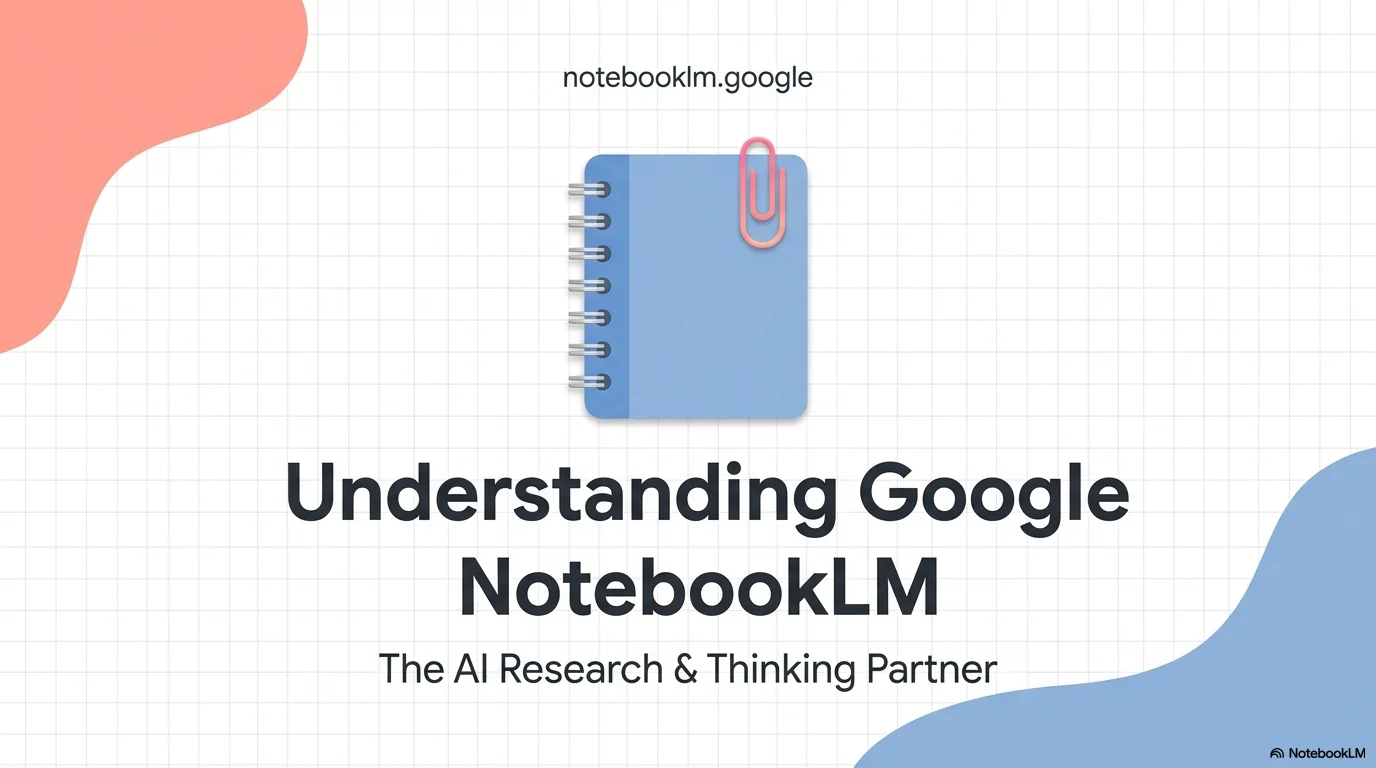 |
Want to see what this skill can do? Check out the video below to explore slide deck results generated using these custom styles:
👉 Watch the Demo Video on YouTube
This skill is a modular component designed to complement the master project: 👉 notebooklm-prompt-styles (Curated presets, custom prompts, and full customization guides for NotebookLM).
You don't need complex code to use this. Just copy the prompt below and paste it into your favorite AI chat assistant (like ChatGPT, Claude, or Gemini) to activate the skill.
Please adopt the NotebookLM Slide Styles skill from this repository: https://github.com/YamilAyma/notebooklm-slide-style-skill

Your role is to translate my brand guidelines, moodboards, color palettes, or style ideas into a clean, standardized YAML format that I can paste into NotebookLM's Custom Instructions to style my slide decks.

When I provide you with an image or a design concept:
1. Analyze the typography, color palette, and visual elements.
2. Map these to slide templates (Covers, split layouts, processes, timelines, and profiles).
3. Generate image prompts to match the style.
4. Output a clean YAML code block matching the system specifications.

Reply with "Ready" if you understand, and I will provide my first design request.
Note: You can find the complete raw instructions in SKILL.md. Copy & Paste.
🎨 Share your Idea/Image ➔ 🤖 AI Assistant processes it ➔ 📋 Copy the YAML ➔ 🛝 Paste into NotebookLM
- Input: You describe a vibe (e.g., "Scandinavian Minimalist") or upload an image/brand book.
- AI Action: The AI extracts colors, fonts, layout balances, and creates matching prompts for image generators.
- Output: You get a valid YAML layout configuration.
- Result: You paste the YAML into NotebookLM to generate beautifully styled, consistent slides.
| Example 1 | Example 2 |
|---|---|
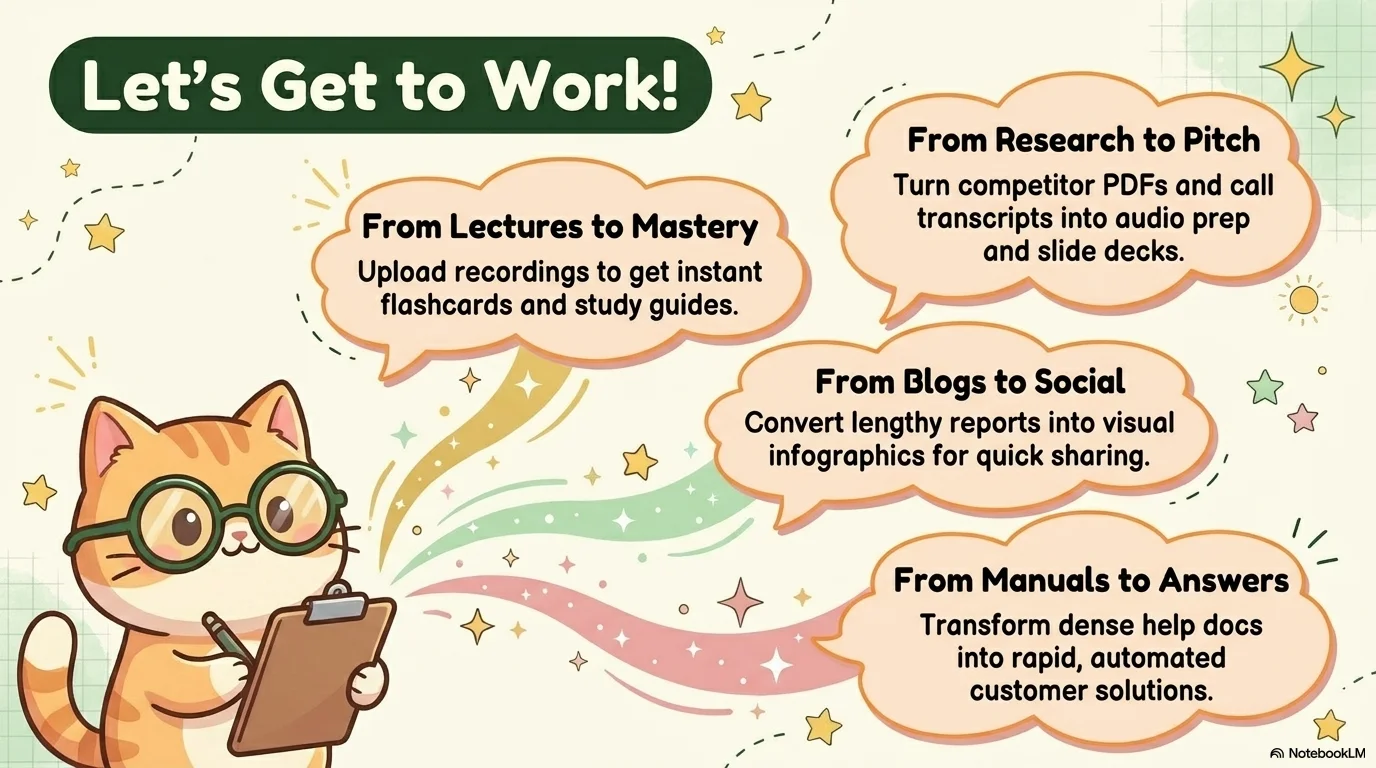 |
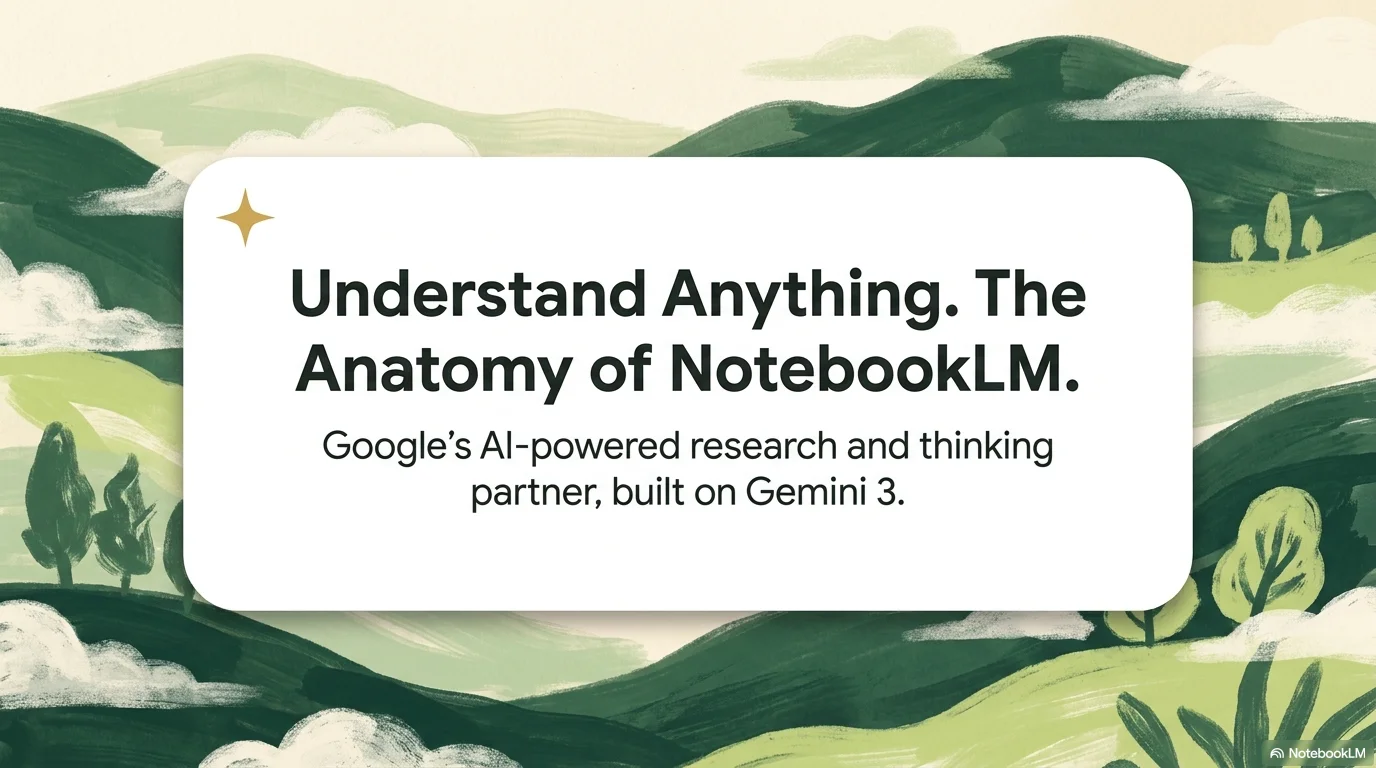 |
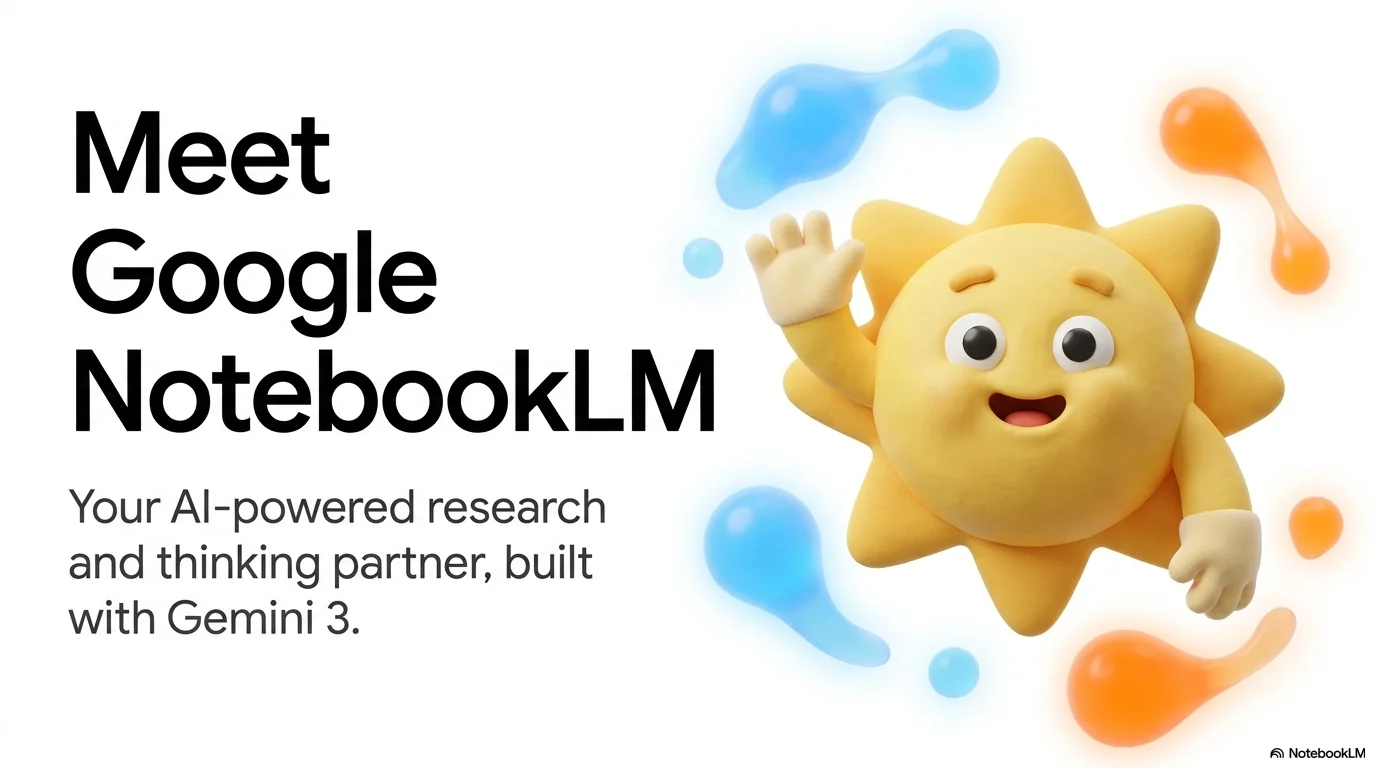 |
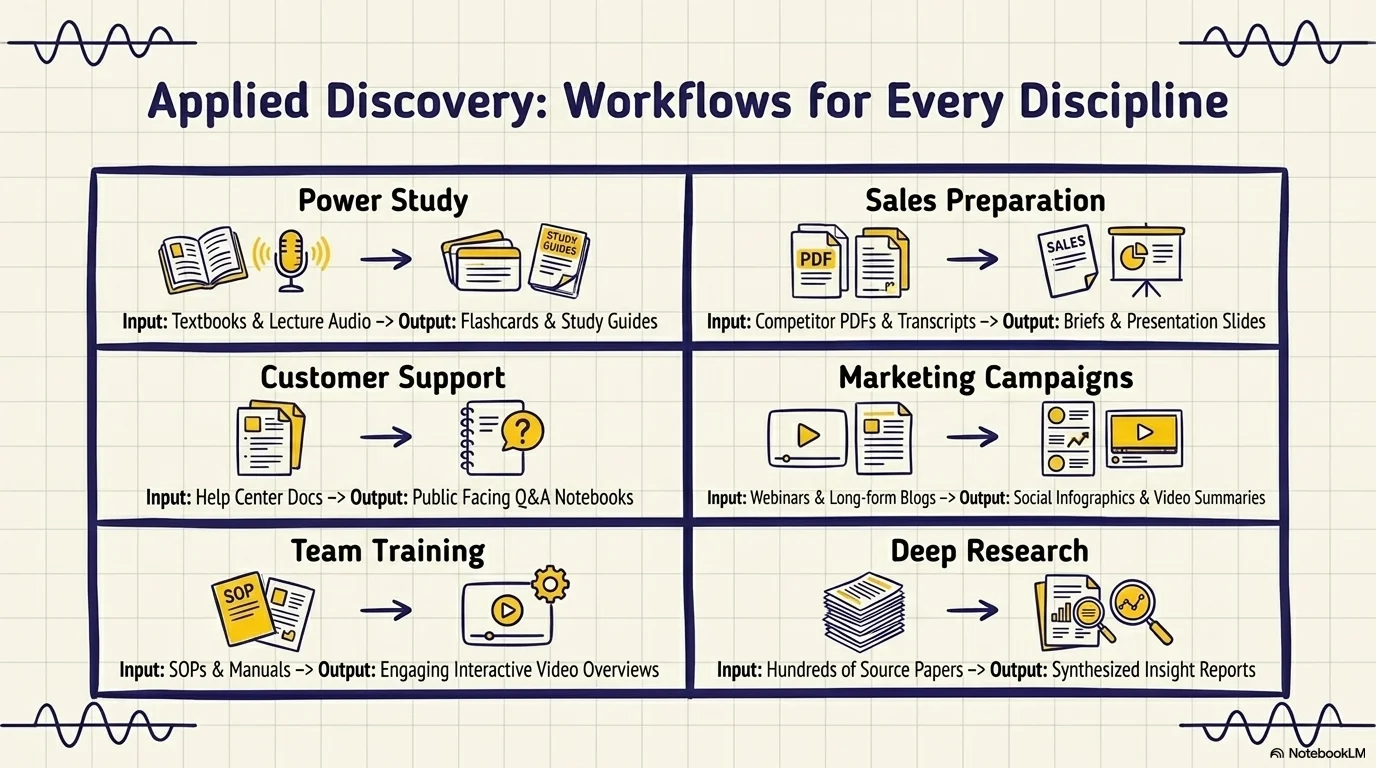 |
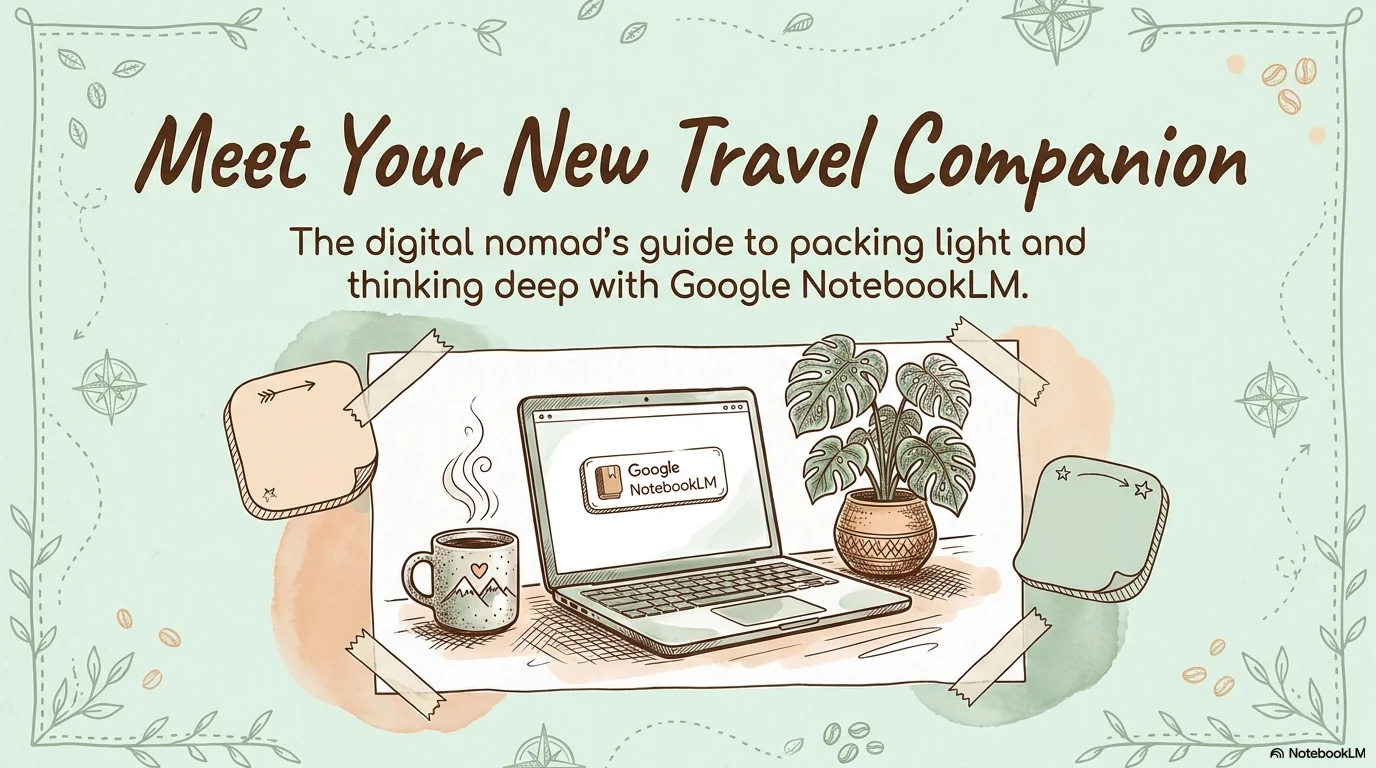 |
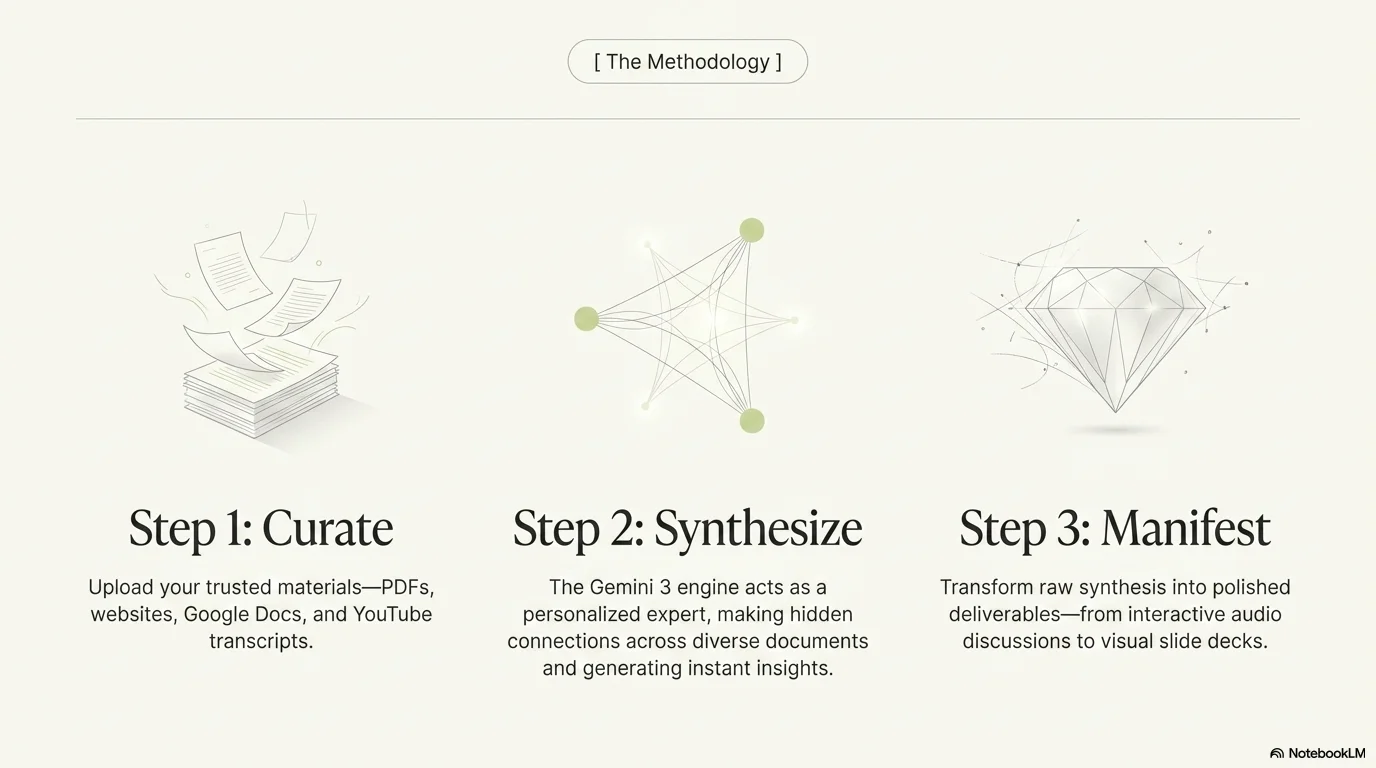 |
- SKILL.md: Core instruction file that teaches the AI how to generate slide styles.
- example_styles.yaml: Pre-configured ready-to-use YAML style configurations.
This project is open-source and licensed under the MIT License.